
Premium Features:
Broad Range of File Types:
Acoustica 5 Premium can work natively with a diverse selection of file types (without requiring external codex):
- FLAC
- Ogg
- MP3
- Wav
- Wav64
- AIFF (read-only)
- AAC (MPEG-4
- WMA
- AU
CD Track Import & Basic CD Cover Design:
That’s right, you don’t even have to use an add-on or 3rd party application for importing CD tracks. Undeniably, this feature can come in handy, especially if you want to easily rip a track from a pro recording to use as a reference track within your own project.
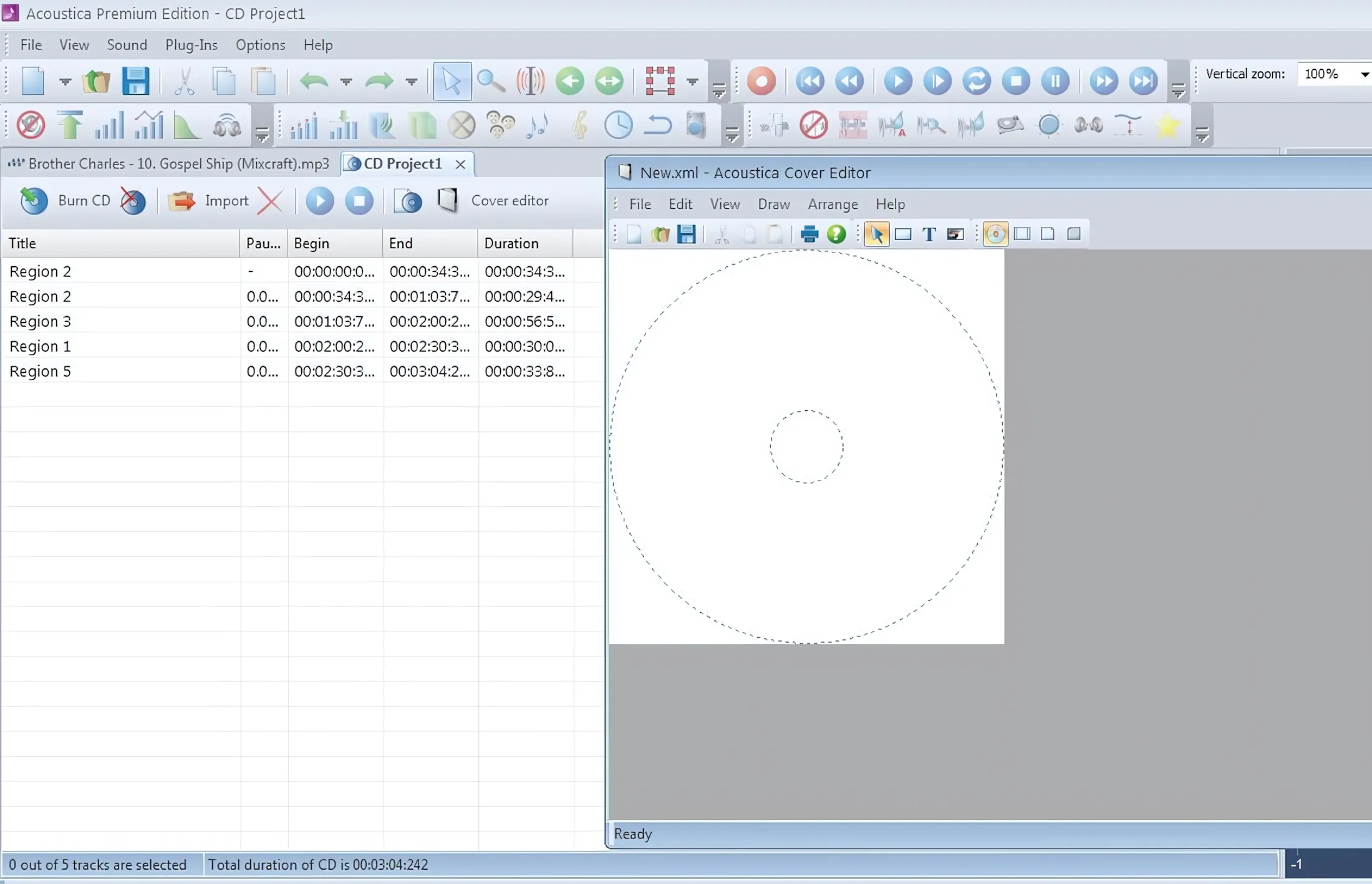
You can save and load your own CD projects and even create your own simple CD covers. The CD cover features are basic, but for anyone who only requires simple disc labels and jewel-case inserts, this is a very welcome addition. By the way – you can erase CD-RW discs from directly within Acoustica 5. If you’re one of those wise engineers that likes to listen to your mix on various sources, reusing a CD-RW disc can be useful.
K-System metering:
If you’re working within a specific scope of audio standards, you can choose the metering mode that’s most appropriate for your project. You can choose from typical Full Digital, K-20 (Theatre), K-14 (Home Theatre) and K-12 (Broadcast standard) metering modes.
Test signal generator:
Just in case you want/need to execute some fancy-schmancy audio-aliasing tests and whatnot, you won’t have to hunt around for files or applications. A5 Premium keeps its batting average high by including these professional analysis features.
Declipping:
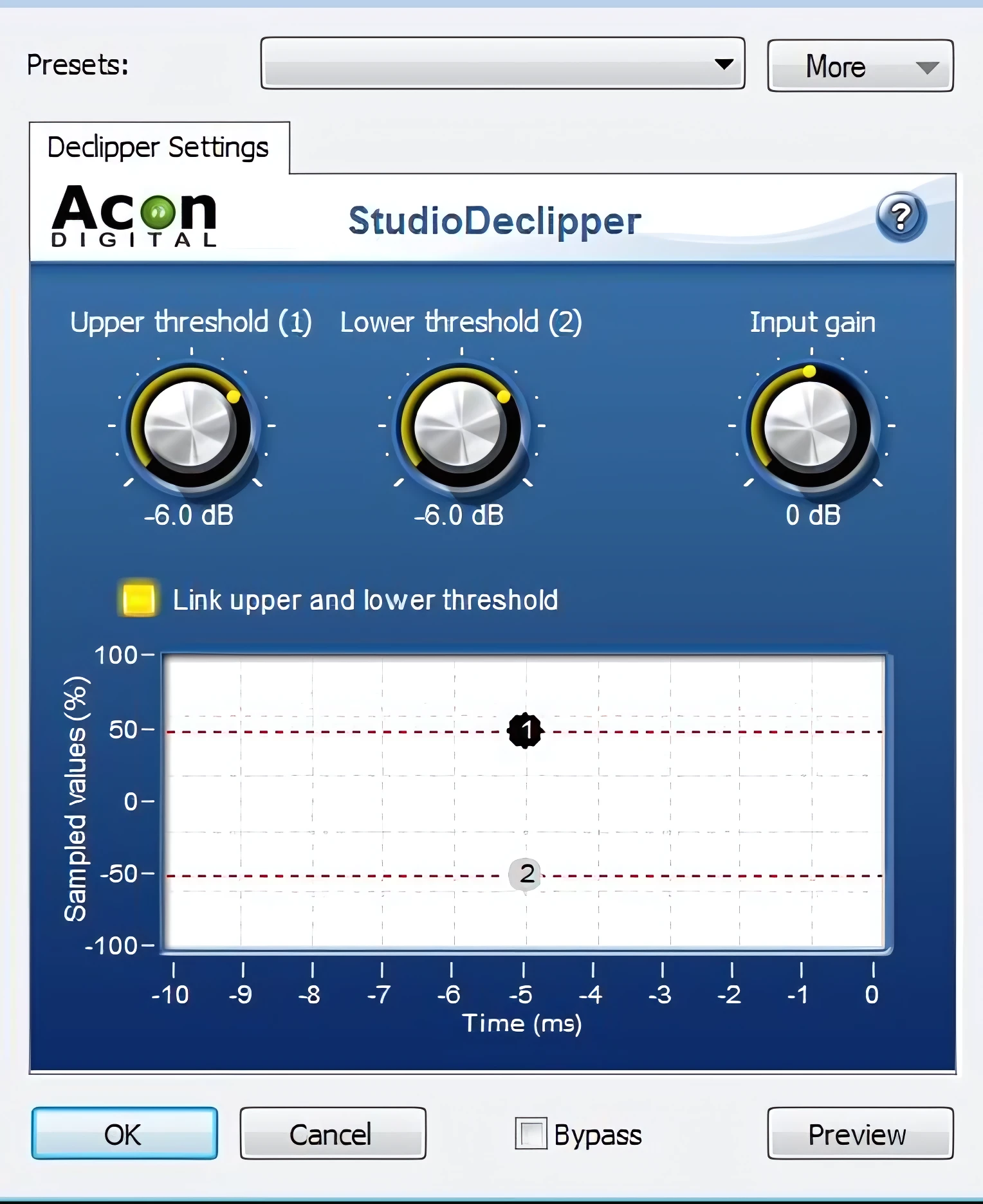
A robust declipper is bundled with Acoustica 5 Premium, allowing you to keep your track’s volume levels up where you want them, but without any nasty digital clipping artifacts. Overall this is a capable feature, and used judiciously, it produces pleasant, reasonably transparent results.
It seems to work equally well for both analog and digital sources. A real-time visual monitor shows you what it’s doing.
From the manual:
“Studio Declipper contains an oscilloscope view to visualize restoration. The oscilloscope shows the last ten milliseconds of the recovered audio signal. The most important parameters of the declipper are the upper and lower threshold levels. The declipper will substitute all recorded peaks above the upper and below the lower threshold value.”
Declick & Decrackle:
This module is impressive, and I do mean impressive! Unless you put another two or three hundred dollars (maybe more) with the purchase price of this gallant, audio-editing champion, you will not find a better audio restoration package. For the average home producer, Acon’s built-in “Studio Clean” utilities are second to none. Along with the super-easy audio cleaning wizard, this feature will greatly reduce vinyl LP crackle, pops, and clicks.
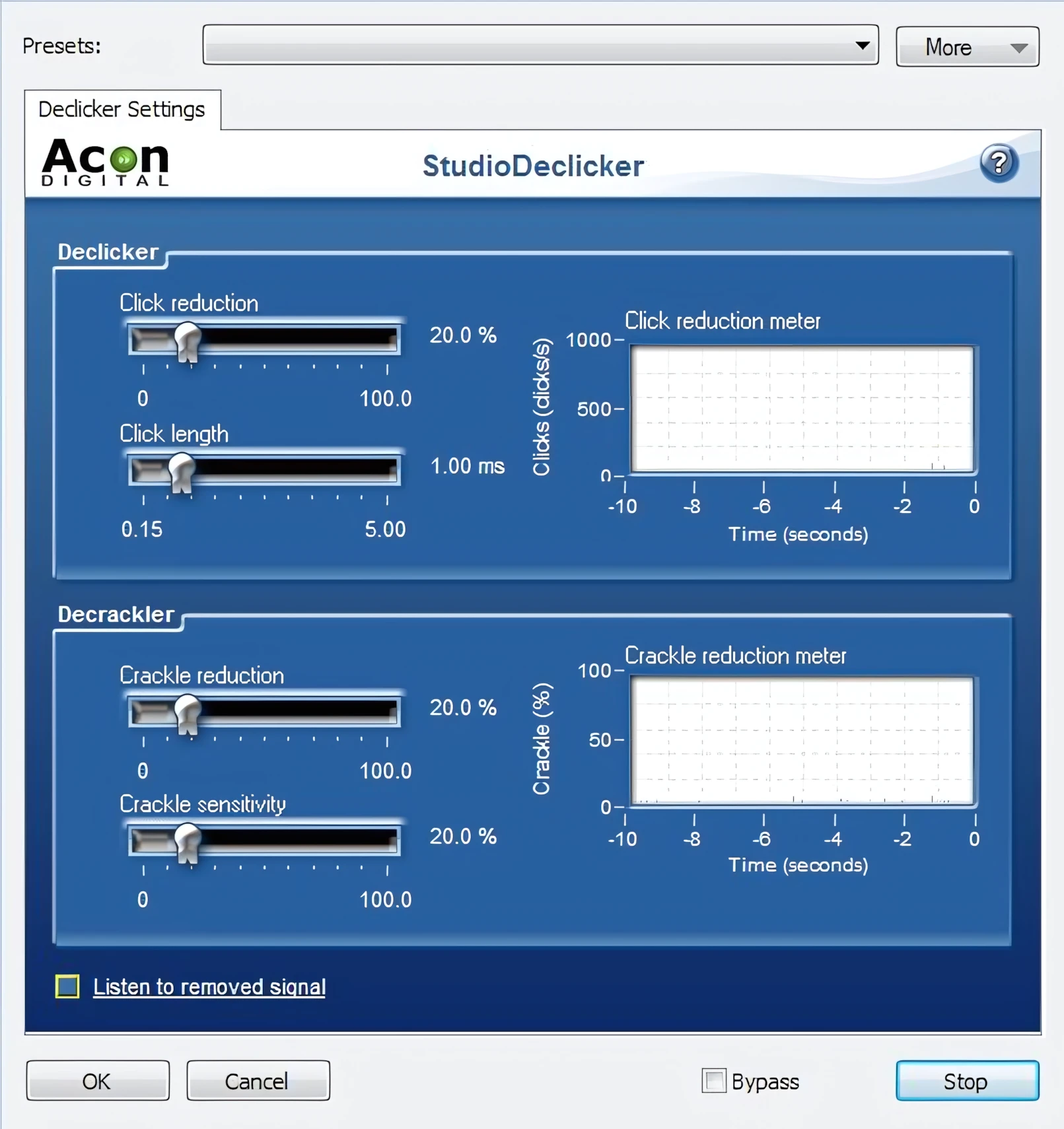
Remember though, this isn’t a multi-hundred dollar speciality package like iZotope’s RX or Waves’ Restoration bundle. Still, for the money, this suite of restoration tools blows other so-called affordable audio cleaners out of the water. I was impressed!
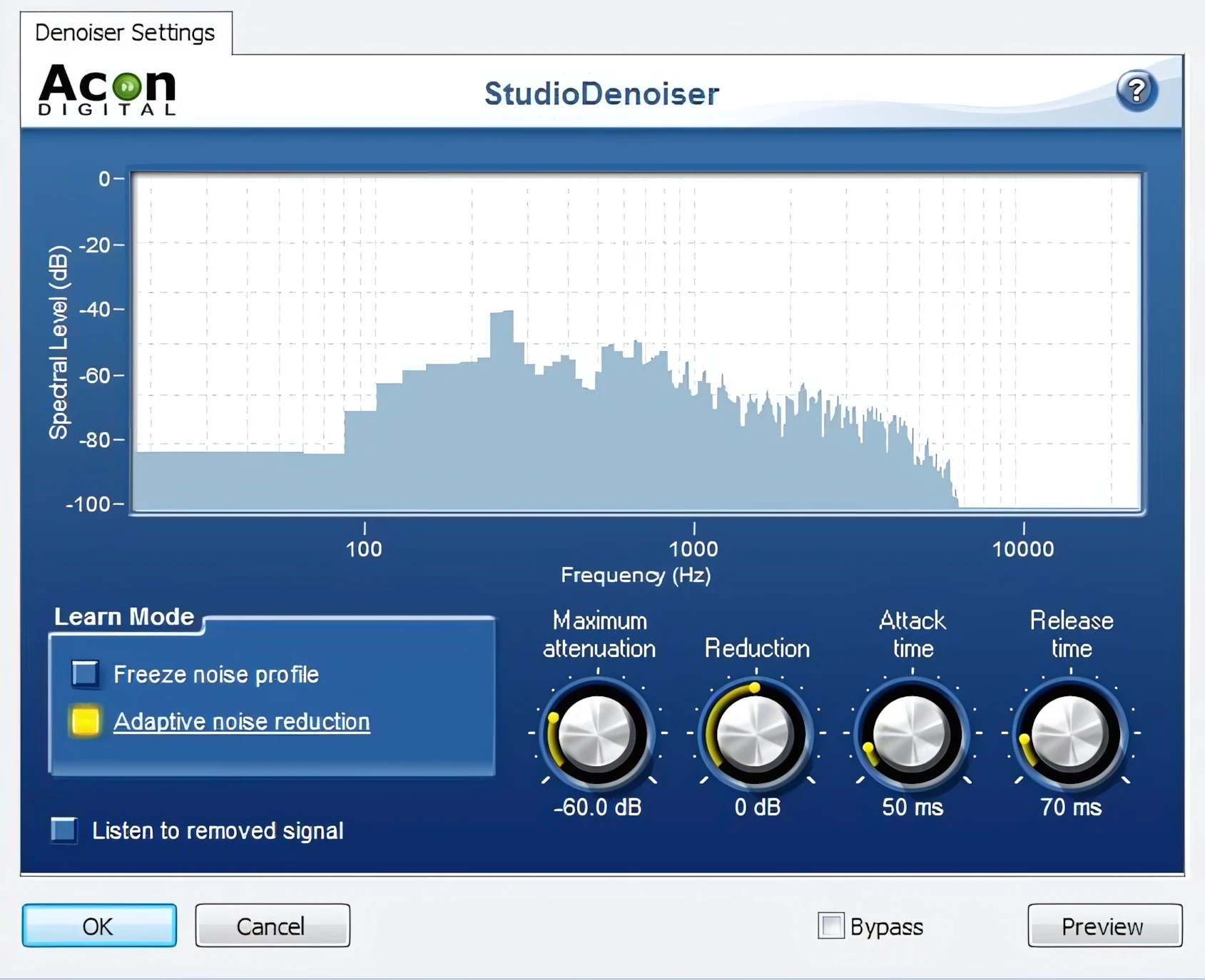
Noise Analysis and Noise Removal:
Dear reader, have you ever worked much with audio restoration tools?
Hi, you! If you like these kinds of reviews,
be sure to subscribe.
I have.
I used to undertake a great many audio restoration projects back in the late ’90s and early 2000s. The computers were much slower back then and the software was not nearly as refined as the quality of today’s offerings.
Back some years ago, recording, editing, and “cleaning” a typical LP, or cassette tape, would take literally dozens of hours for me to complete (maybe even hundreds of hours). Seriously! – it would take upwards of 6 hours to apply hiss reduction alone, to a single 4 minute track, using Syntrillium’s Cool Edit Pro at higher-quality settings. That didn’t include crackle and pop filtering, nor did it include noise analysis and reduction.
In some cases, you can achieve better results from the Declicker when you record an LP without the emulation of a phono preamplifier. You can post-process any recording originating from an LP this way by first applying the emphasis filter.
Secondly, do your declicking first, then apply the De-emphasis filter afterward. It sounds like a backwards set up, but it works to your advantage. In either case, the Phono Filter gives you a very believable preamp emulation. It lends itself to better vinyl transfers than most of its contemporaries.
Sample Rate Conversion:
This is an excellent, reasonably fast sample rate converter. I’ve compared the results with my other programs – R8Brain, Adobe Audition, Wavelab 7 (Elements), Sound Forge Audio Studio 9, and SOX. In contrast, I hear fewer artifacts when I resample using Acon’s sample rate converter.
Unfortunately, the SRC Comparison web site does not list Acon Digital’s SRC engine. I sent the folks at Infinite Wave a message, requesting that they include the Acon Digital SRC engine in their list of comparisons. Let’s pray that they do. I would be very interested to “see” their findings.
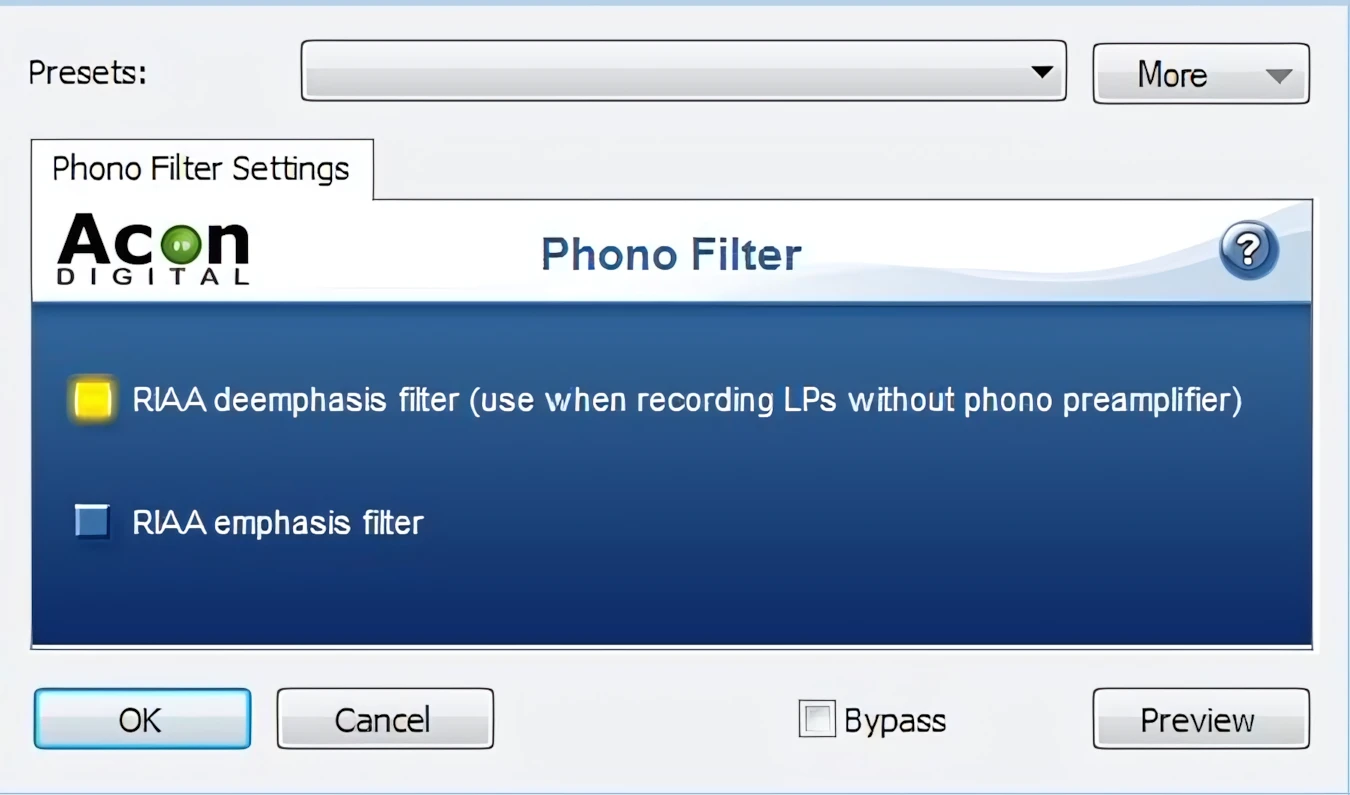
Photo Filter Emulation:
Hey, old-skool guy! You have some gnarly old vinyl that needs transferring? Good! You’re going to be very thankful that you laid out the dough for this Pro-league application.
The “Phono Filter” emulates the effect of a phono preamplifier. It is not simply a gain increase. I would be very interested in knowing how Acon came up with this unique feature, but boys, it’s a great emu!
Stereo Enhance:
This feature works well, and surprisingly makes a very pleasant difference when it is used in moderation. I honestly don’t mean to yell like a grizzled old coach, but I’ve been let down by many so-called stereo enhancing plug-ins.
In general, many stereo enhancers produce that thin, ting, ting, ting sound while weakening the low end. Thereupon hollowing your mix with over-scooped mids. Most of them rely on some variation or other of the HAAS filtering mechanism.
I don’t know what method of stereo enhancement has been put into play here, but it works! If I had to get a mix out-the-door in a hurry, but it just needed a bit of ‘widening’, I wouldn’t be one bit ashamed to use Acon’s Stereo Enhancer.
DC Offset:
Remove DC Offset tool (select Enhancement | Remove DC Offset) calculates the DC offset of the selected region and subtracts the offset if necessary. Quick, easy, idiot-proof. I really dig it — no weird phasing issues to be had. 🙂
Time Stretch:
What!? For only $120 buck-a-roos, the Time Stretch feature can’t be ‘that’ good; Can it?
Oh yes it can! Rounding 2nd base on the gallop, while the far left-fielder is springing desperately to grab what looks like is going to be another home-run bullet; Acon’s “Time Stretch” engine is unbelievably able to slide home with style to spare.
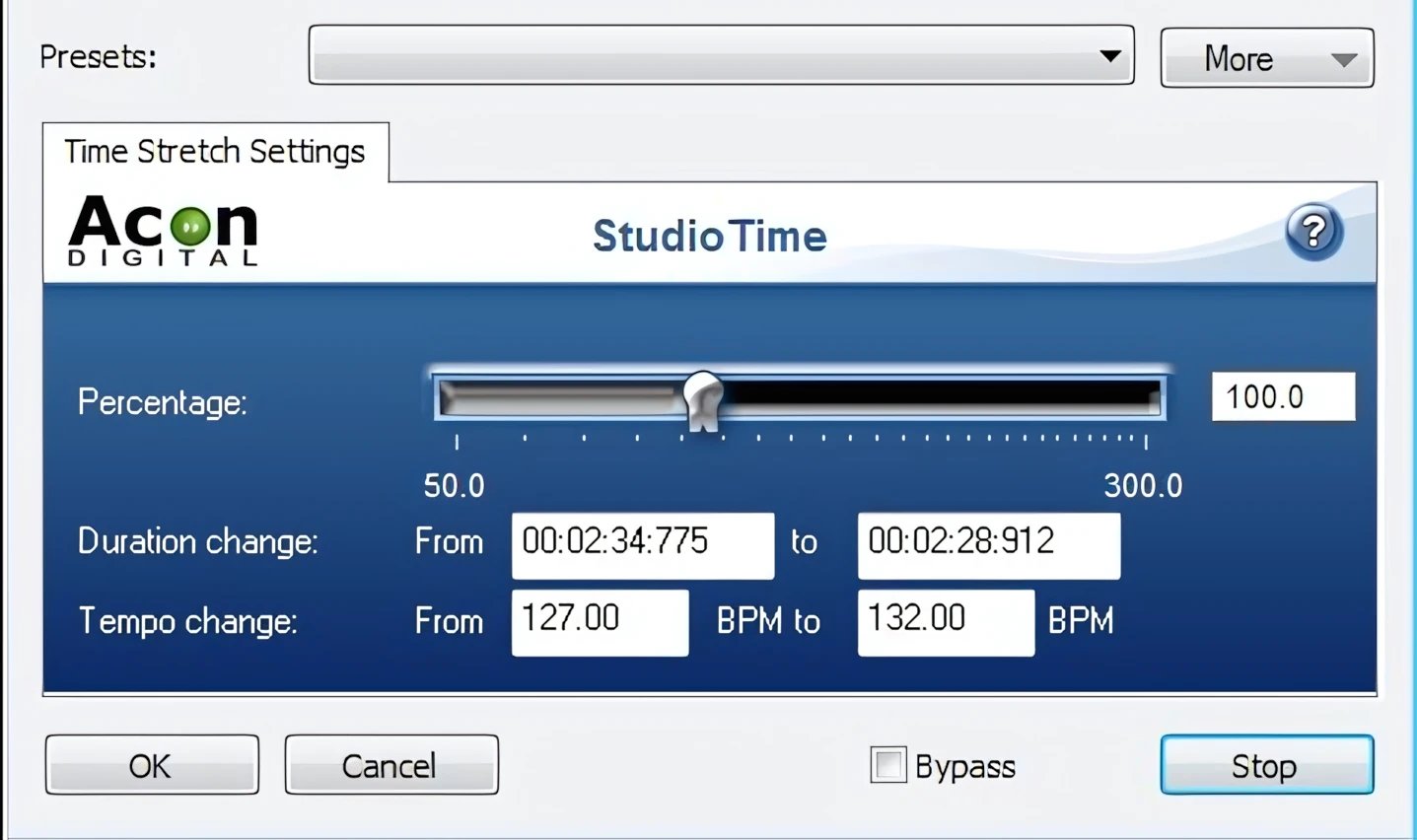
Meanwhile, I’ve just gotta tattle on myself and admit that I wasn’t expecting any more than mediocre, lackluster performance from this built-in feature. After all, with perennial super stars like zPlane’s elastique in the limelight, I wasn’t expecting miracles. I’m so happy that I was mistaken — I could scarce believe my ears!
Time Stretch Testimonial:
In my skepticism, I loaded up one of the rough-mixed tracks I’ve been working on for my upcoming Gospel/Blues album. I decreased the track length, by increasing the calculated BPM (beats per minute).
This was a full, polyphonic stereo mix of over-driven electric guitars, Hammond organ, CP70 electric Piano, Rickenbacker bass, and Drums. I was amazed by the results! Can I have a witness in the Gospel music booth up ‘heeah’? Yessir, Amen! It was fan-freakin-tast-tic!
On a typical vocal or instrument track, the Acon Time Stretch plug-in will abundantly satisfy in most nearly any situation. Hats off to Acon Digital. Shame on those of us who have over-looked this pint-sized, underrated audio athlete.
You can dole out lotsa dough other higher cost products if you want to. I wouldn’t feel underprivileged in the least to rely on Acon Digital’s Acoustica 5 Premium for most time stretching duties. It works equally as well for both speed ups and ‘slow downs’. Mighty impressive, I tell ya.
As a general statement, I would estimate Acon’s Studio Pitch to be almost on par with other higher-priced products. It is better than what’s built-into many mid-range DAWs. It is definitely better than similar features found in consumer-grade and freeware audio editors.
Pitch Transpose:
This is very good; not like the jaw-dropping greatness of the Time Stretch feature, but it is very good. You are given easily-configured fine control of a source material’s pitch, with either 50 cents upward or downward slider moves. A drop-down combo box provides 12 semitones of course pitch adjustment.
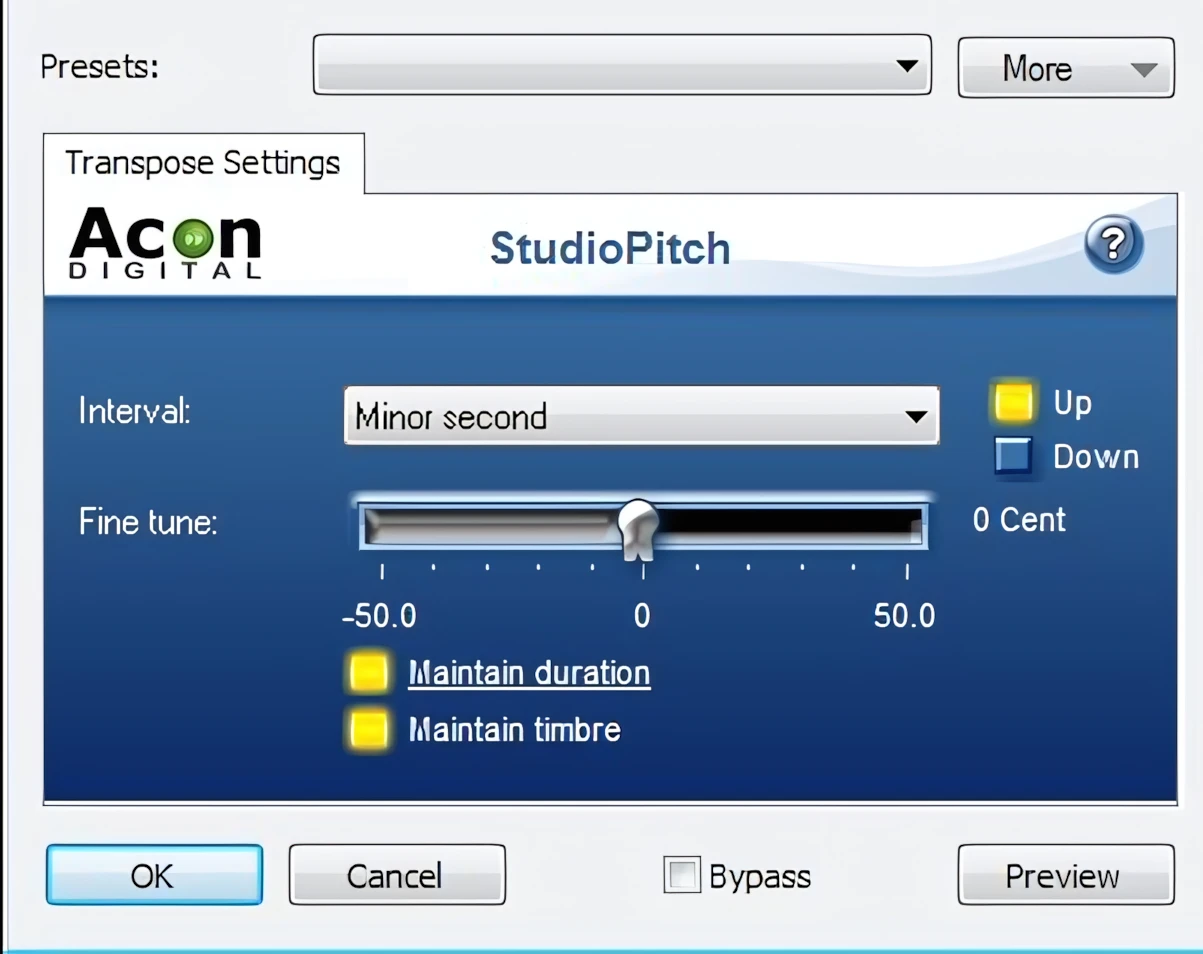
Furthermore, Acon veers from the naming convention that we would expect, and has decided to use musically-intelligent terms such as: Minor second, Second, Minor third, Third, and so forth. These can easily be translated to mean: semitone, full tone, tone and a half, two tones, and et cetera.
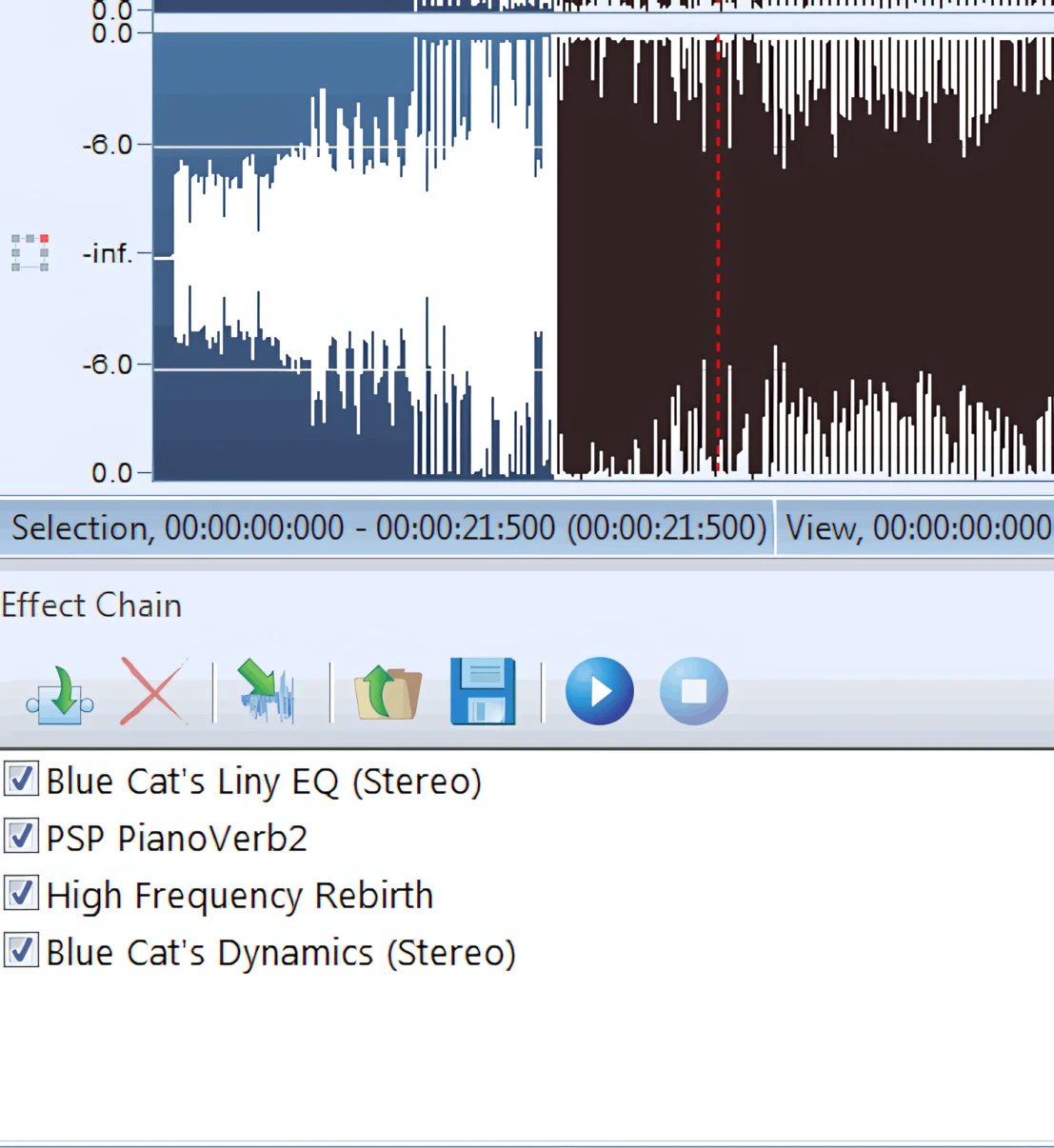
Effects Chain:
Acon Digital has created the next best thing to Steinberg’s effects slots, as found in Wavelab. I’m not familiar with any other audio editor, other than Wavelab, that facilitates real-time audio preview, or processing with multiple effects simultaneously.
Acoustica 5 doesn’t handle this task quite as fluidly as Wavelab does, but it comes the closest of any other audio editor that I have worked with.
Unlike similarly-priced products, there isn’t a restriction of how many effects you can chain at once. GREAT FEATURE!
There is one caveat. You can’t activate/deactivate individual effects while the “previewed” audio is being played back. At any rate, you can have many effects active simultaneously, and you can change the settings on-the-fly. As a result, you’ll hear the changes in real-time.
Above all, you can also save effects chain presets (including the effects parameters) for later use.
Mastering FX:
Acoustica Premium 5 plays audio hardball with agility, speed and grace. This powerful audio editing suite bundles a full roster of mastering-grade VSTs. These digitally fit, all-rounders are:
- StudioCompressor (Multi-Band)
- StudioDelay
- StudioDynamics
- Studio EQ (6 Band ParaQ)
- StudioLimiter
- StudioModulator
- StudioVerb
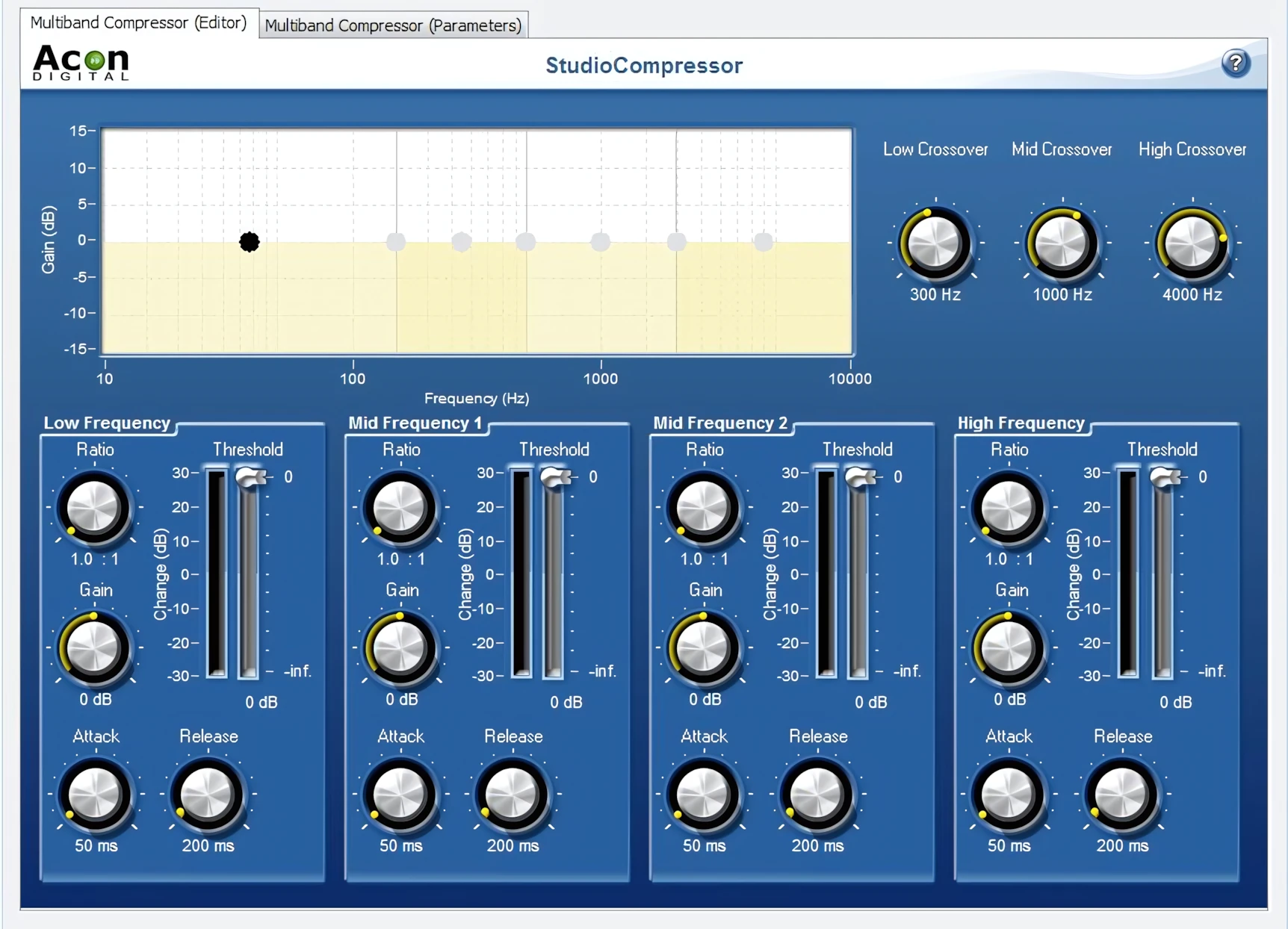
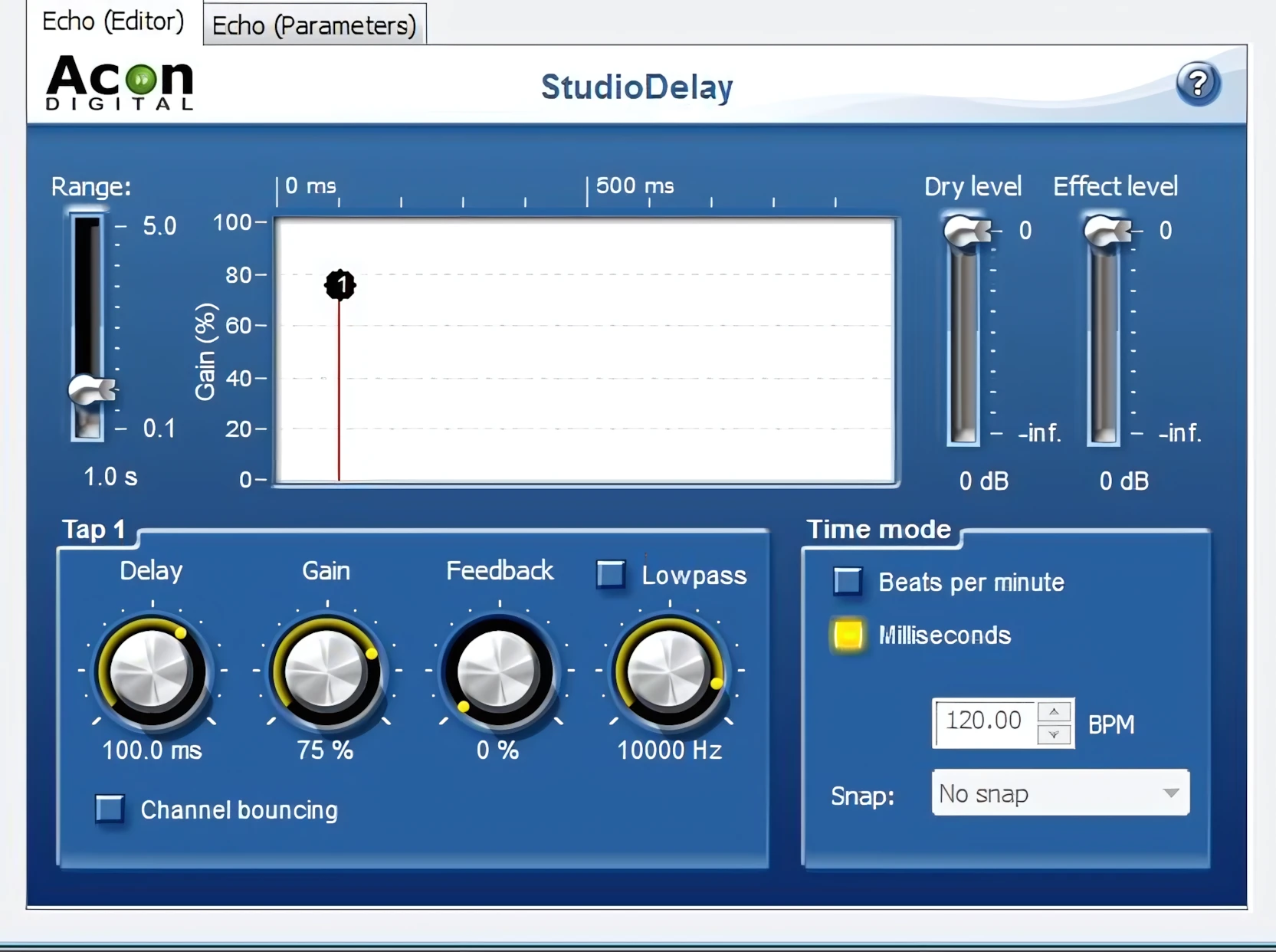
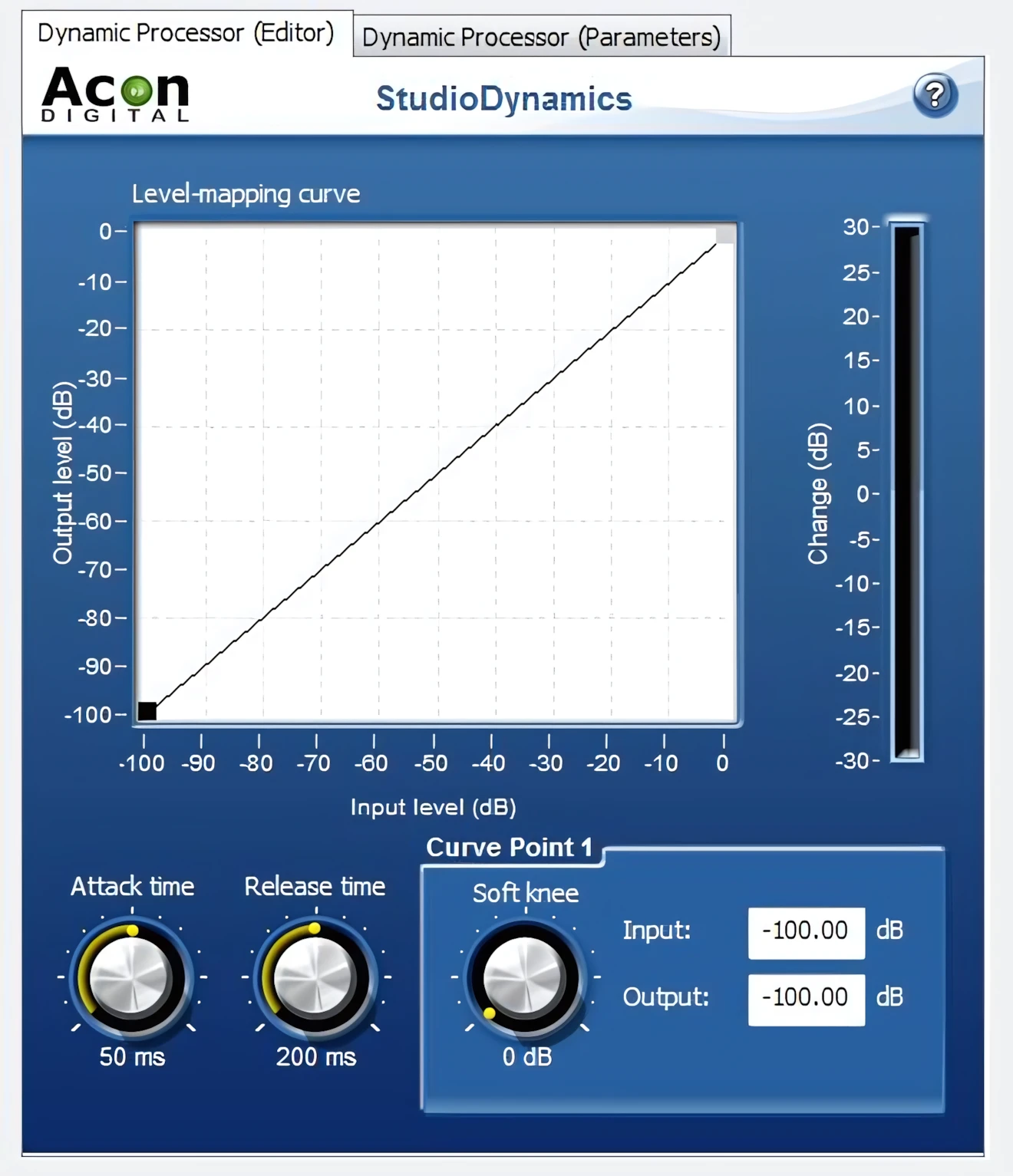
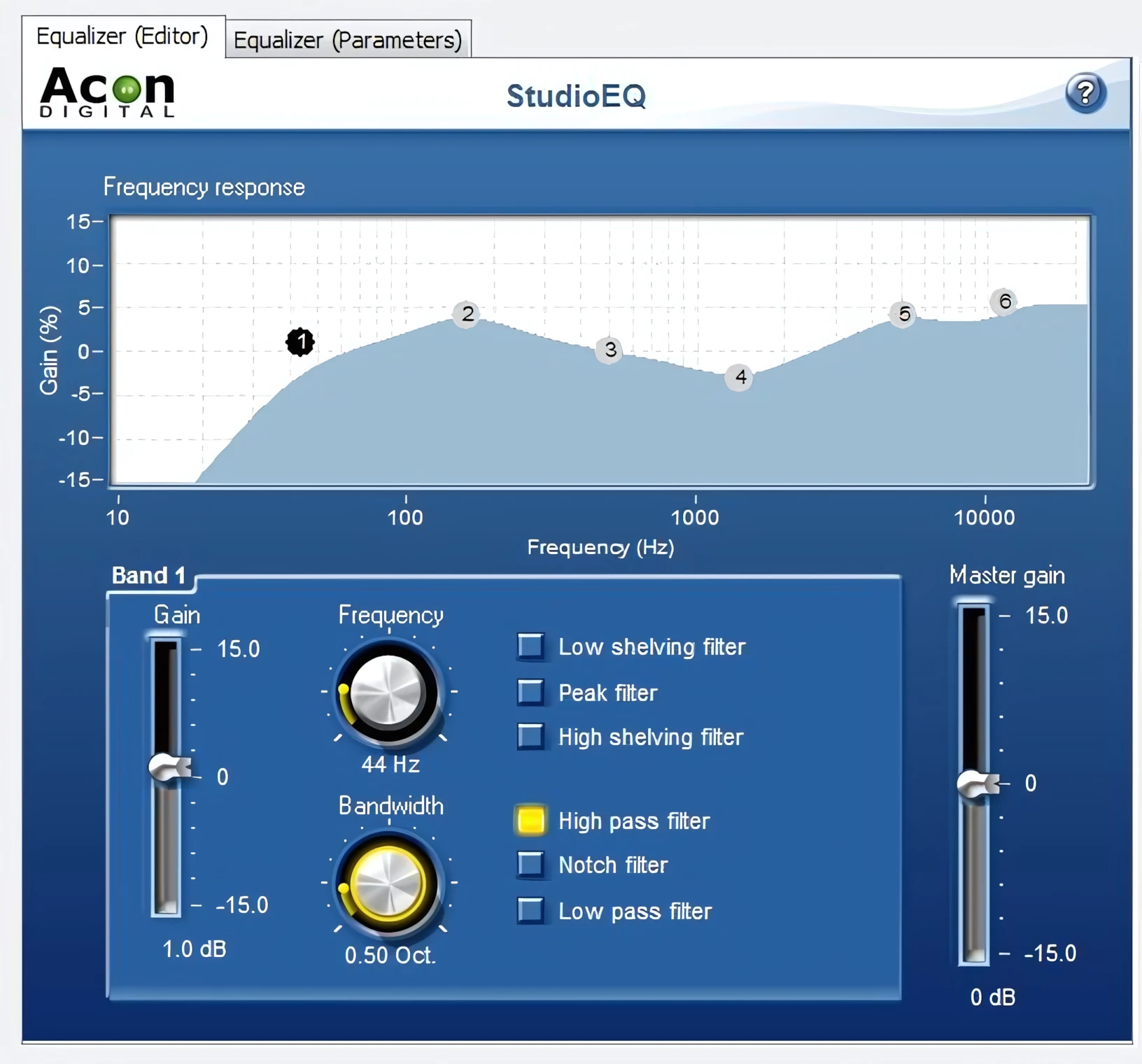
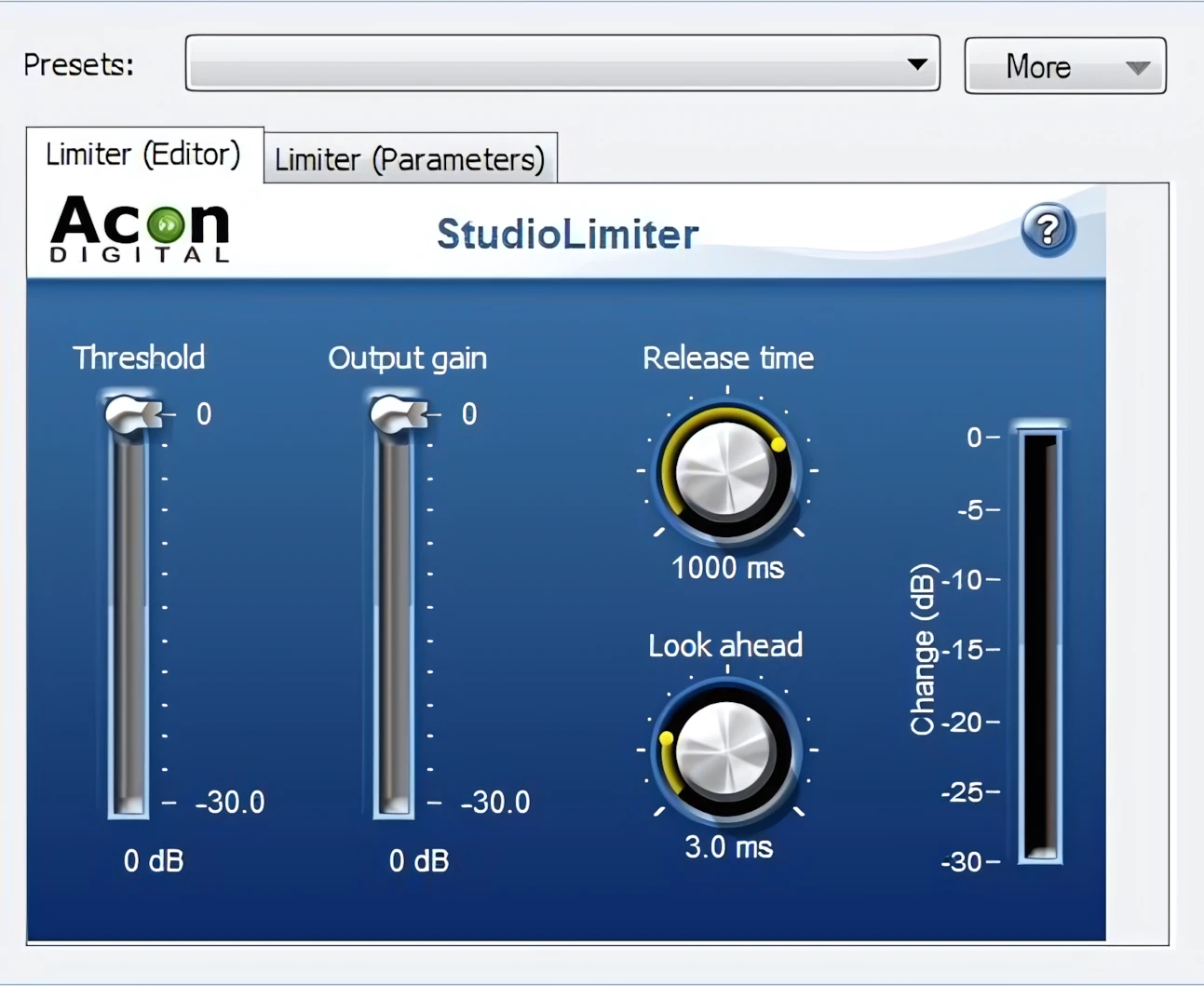
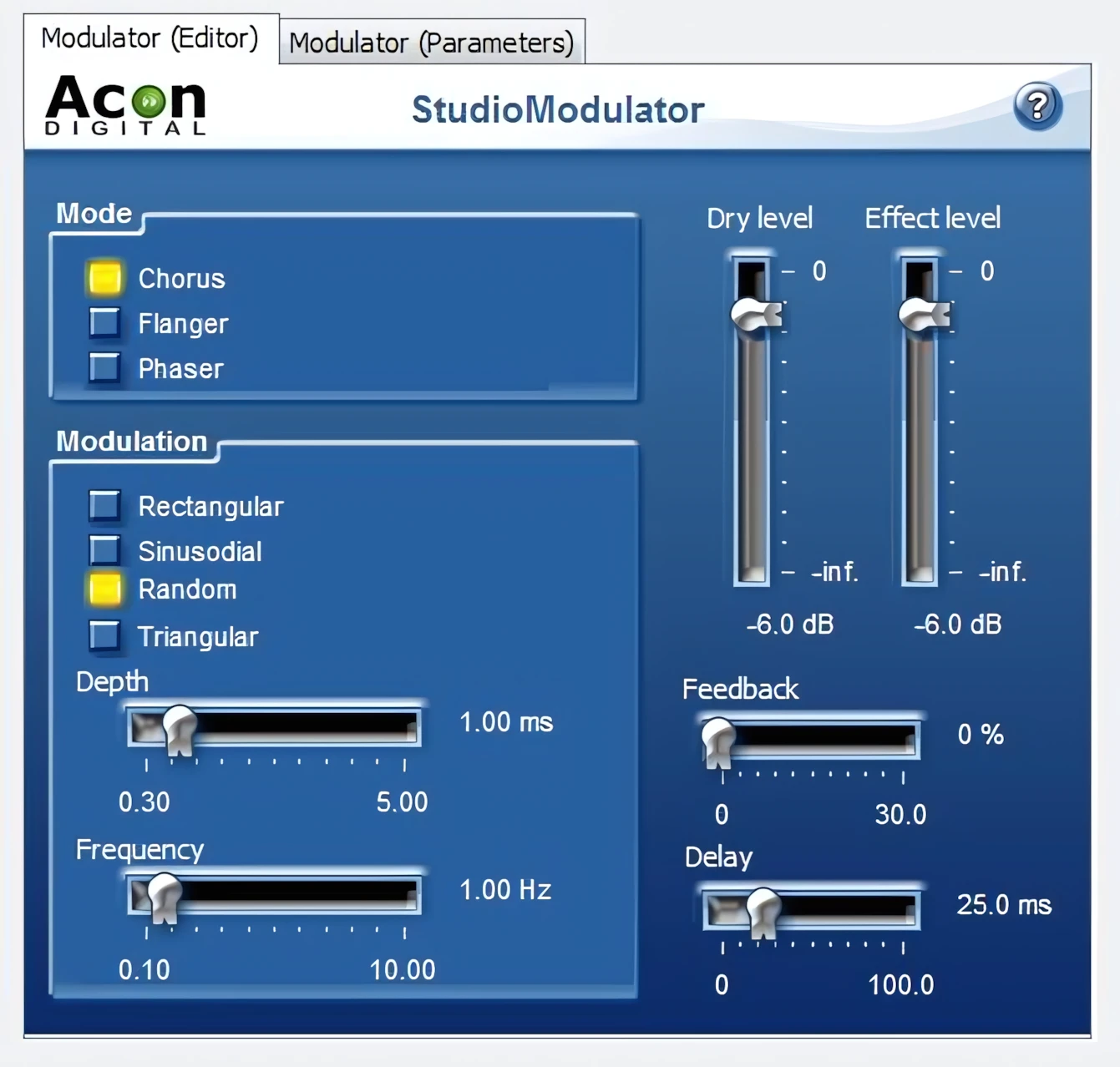
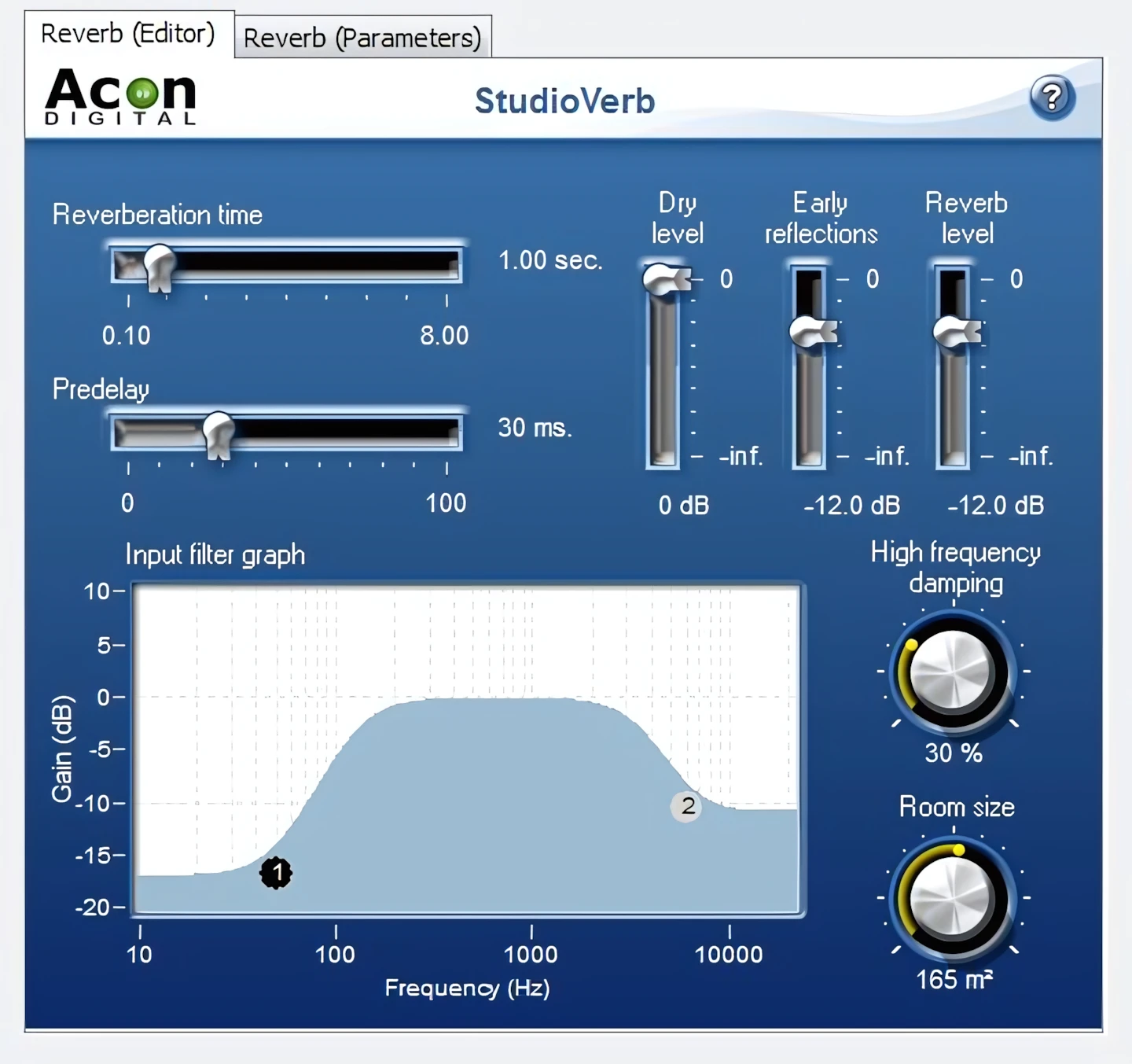
As an umbrella statement, all of Acon’s built-in effects hold up well under scrutiny. It is this reviewer’s findings that they edge out even those included in most high end DAWs.
Overall, the quality of these built-in effects is solid. Each of them is reliable and very usable. I experienced respectable processing results with each of them, and as advertised, they can be used as stand-alone VSTs within any DAW.
CPU Consumption:
Acoustica 5 Premium is such a breath of fresh air. I have a couple of very well-known, fairly pricey, audio editing applications installed on my system. One of them in particular is as slow as cold molasses running uphill, in the middle of January – in Alaska. Sheesh! The app takes up to two minutes to launch on my 2nd gen Intel i3.
Not so with Acoustica Premium 5, Buddy. No sir! This little fleet-footed digital shortstop is practically locked, loaded and ready to go before I get my finger off the mouse button. Even on a six year old dual-core laptop, Acoustica Premium 5 launches in under 16 seconds – after a cold boot into Windows 7.
Concluding Remarks:
Throughout this exhaustive, inspective almanac, I’ve brought to your attention the stupendous value that Acon Digital offers with Acoustica 5 Premium. Dollar for dollar, I am confident that this deluxe audio editing champion will ably out-perform ANY similar product at its conservative price point. For that matter, it out performs audio programs costing twice as much!
Acoustica 5 Premium offers above-average speed, and a comprehensive, ALL STAR feature-set that bests its competitors by a wide margin. Any small studio owner, or self-starting home producer, is well-advised to carefully demo this application.
The 30-day unrestricted demo is freely downloadable from Acon Digital’s web site and provides a prospective buyer ample opportunity to give Acoustica 5 Premium a serious work-out.
5 out of 5 Stars


:: Pros
- BEST-in-CLASS performance!
- BEST non-speciality audio restoration tools.
- BEST non-speciality Time/Pitch manipulation.
- Professional-grade audio editing, manipulation, and processing.
- Attractive, professional-looking GUI.
- High quality, studio-grade results with minimal effort.
- Highly Optimized code resulting in amazing speed.
- Exceptional reliability.
- Well-written user’s manual.
- UNLIMITED effects chaining (featuring ‘real-time’ preview).
- No dongles, call/response challenges, nor invasive piracy protection overhead.
- Experienced, well-established audio-software developer of distinction.
- Minimal system requirements.
- FAST, FAST, FAST!
::Cons – N/A
Acoustica 5 Premium’s primary function is that of an audio editor. It scores mightily for its Tape & LP transfer and processing, plus its powerful, convenient, all-purpose audio manipulation. As I have noted, I don’t think it’s fair to dismiss it because it’s not yet available in 64 bit. Many professionals are still using 32 bit versions of Sound forge, Audition and Wavelab – well . . . . nuff said!
Visit the Acon Digital website. AconDigital.com
Intellectual Copyright – 2013 – All rights Reserved. This review may not be copied or reproduced in whole, nor in part, without express written permission from the author.

Leave a Reply